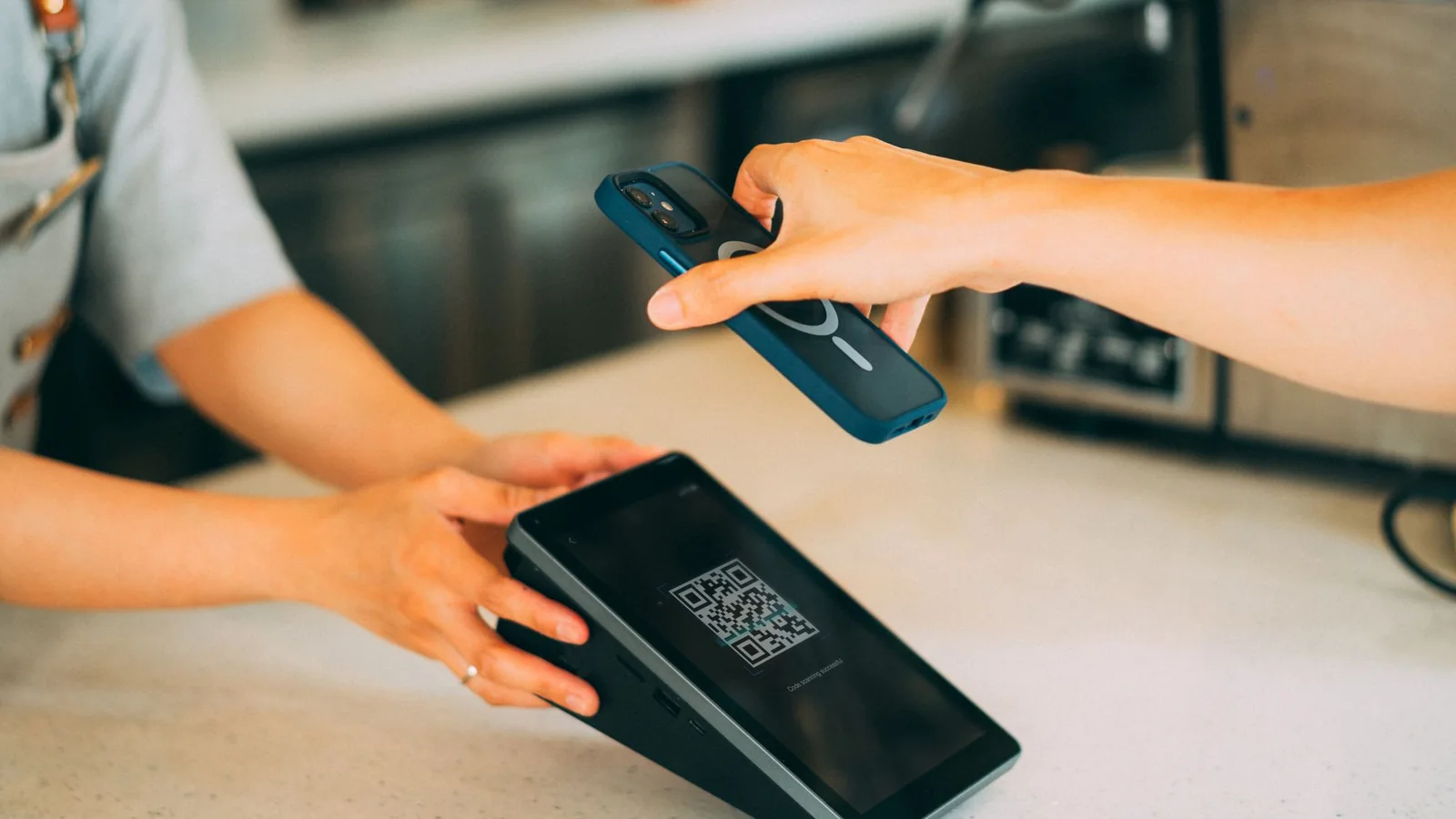
Some tourists can pay Thai merchant QR codes without a Thai bank account. Two documented examples are eligible OCBC Singapore customers using the OCBC app and Maybank Malaysia customers using MAE with a current or savings account. If neither fits, an approved, cash-funded KBank Tourist Wallet through TAGTHAi Easy Pay is another route—but requires an in-person identity check. Keep another way to pay: none of these makes every QR code usable.
Choose your route before you reach the counter
| What you already have | Practical choice | First action |
|---|---|---|
| An eligible OCBC Singapore deposit account and the OCBC app | Supported Thai merchant QR payments; the service's minimum age is 18 | Check account access and funds before travelling; use the Thailand instructions below. |
| A Maybank Malaysia current/savings account and MAE access | Cross-border merchant payments through MAE | Set up Scan & Pay and its authentication before the trip. A downloaded app alone is insufficient. |
| Another overseas banking app or wallet | Possibly supported, but check that exact provider and account | Ask the provider specifically about outbound payments to merchants in Thailand. A country's participation is only the first check. |
| No confirmed cross-border app, but you are a non-Thai tourist aged 20 or above | Apply for the cash-funded KBank Tourist Wallet | Bring your passport and acceptable foreign cash to a participating KBank FX booth; obtain approval before depending on it. |
| No eligible account, wallet approval, connection or compatible QR | Cash or a card the merchant accepts | Agree the payment method before ordering or taking the service. |
The first two rows describe existing bank customers. They do not promise that a visitor can open an account in Singapore or Malaysia solely for a Thai holiday. The provider's identity checks—often called know your customer, or KYC—and account restrictions still apply. Give your bank your actual residence and identity information; nationality alone is not the payment credential.
Why a PromptPay logo is not enough
Three different things are often called “Thai QR”:
- Domestic payment or transfer: a Thai account or supported local wallet pays within Thailand. A vendor may display a personal transfer QR.
- Cross-border merchant payment: your overseas app connects through a supported payment network to the Thai merchant's receiving provider.
- Phone-number remittance: a separate international transfer service. Singapore's PayNow–PromptPay transfer link is not proof that every Singapore app can scan every Thai QR.
The Bank of Thailand's participant table, labelled May 2026 and checked for this guide on 24 October, lists incoming merchant-payment links for Cambodia, Vietnam, Malaysia, Indonesia, Singapore, Hong Kong, Lao PDR, South Korea and China. It identifies particular providers on both sides. Its Japan entry describes Thai users paying in Japan; do not reverse that direction into an assumed Japanese-app payment route in Thailand.
This is a network map, not a passport whitelist or an exhaustive account-eligibility guide. The detailed examples below independently match regulator participation with customer-facing provider instructions. Other listed countries/apps have not received the same complete customer-path verification here.
“Static” and “dynamic” describe how a code carries the bill: a static code normally requires you to enter the amount; a dynamic code includes transaction information. A newly generated code is not automatically cross-border compatible. Check the receiving merchant and supported network as well as the amount. Maybank's buyer FAQ explains the distinction.
Route 1: an existing OCBC Singapore customer
OCBC's Thailand instructions support participating PromptPay and Alipay+ merchant payments. Use an eligible Singapore-dollar deposit account, not merely an OCBC card or an account from another OCBC market. PromptPay codes linked to individual mobile numbers are excluded.
Open Scan & Pay, scan the merchant's supported code, enter or check the baht price, review the exchange rate and Singapore-dollar debit, then confirm. Keep the success record. The PromptPay daily cap is SGD 1,000; the separately supported Alipay+ route has its own SGD 3,000 daily cap. Those are different networks, not a reason to assume that one merchant accepts both.
OCBC publishes no additional service fee beyond the currency conversion applied. Read the final rate shown before authorising; “no transaction fee” does not mean no currency conversion cost or the best available rate. The app needs internet access. Provider FAQ.
Route 2: Maybank Malaysia through MAE
Maybank's dedicated cross-border page requires MAE and identifies current/savings accounts as the funding source. Do not extrapolate domestic card or wallet options into an overseas card-funded route.
Set up Scan & Pay, choose the eligible debiting account and complete the security setup, including Secure2u, before travelling. At checkout, tap the QR icon, scan the supported Thai merchant code, enter/check the baht amount and inspect the ringgit debit. Complete the authentication requested and show the successful acknowledgement. The maximum is RM1,000 equivalent per day, or your lower chosen limit. The merchant's receiving bank must enable cross-border acceptance; Maybank explicitly says the feature does not cover every QR.
The buyer FAQ says overseas conversion uses the payment partner's prevailing rate plus a margin. Compare the actual ringgit charge; do not label this “free foreign exchange”. The generic FAQ's older device requirements differ from the service page, so use the current app's supported-device requirements rather than an old minimum Android/iOS version.
Route 3: a cash-funded tourist wallet in Thailand
You do not need a Thai deposit account to apply for KBank Tourist Wallet, used through TAGTHAi Easy Pay. The bank's current product instructions specify non-Thai tourists aged 20 or above, a passport, an in-person KBank foreign-exchange-booth application and one wallet per person. Approval remains the bank's decision.
The bank's 21 October 2026 Thai-language announcement confirms this practical sequence: pre-register if desired, complete identity verification and activation at its FX booth, exchange currency and fund the wallet, then use it for Thai QR payments.
Before visiting, use the product page's Find a Booth link or call +66 2 888 8888. Ask:
Can this booth activate KBank Tourist Wallet for my passport? Which foreign currencies and notes will you accept, what initial amount is required, and what baht balance will I receive? How will I recover unused funds before my departure on [date]?
Bring your passport, phone and foreign cash the booth confirms it accepts. After approval, link the wallet in TAGTHAi with the supplied wallet details and complete activation before leaving. Ask staff to help identify the correct merchant-payment function; enter PINs yourself.
The sales sheet caps the balance at THB 25,000 and combined monthly money-in/money-out at THB 50,000. This is not THB 50,000 of shopping in addition to unlimited top-ups. Wallet validity is one year. It lists a THB 20 cardless ATM withdrawal fee, waived from 27 July through 31 December 2026, and THB 50/month maintenance for a positive-balance wallet inactive for more than one year. Read the current sheet before loading more than you need.
For the route verified here, exchange foreign cash at the booth and pay a supported merchant QR from the funded balance. Do not arrive with only Thai cash assuming it can be loaded.
Important limitation — card-funded use and personal QR: KBank's webpage now describes linked overseas cards, while its linked sales sheet excludes cards for wallet top-ups. Its terms distinguish card payments from stored-wallet funds, but the public material does not establish one consistent card-funding, fee and refund workflow. The webpage and sheet also disagree on the monthly personal-QR allowance. This guide therefore does not recommend either feature. Request current written terms from KBank if your plan depends on them; use cash or a directly accepted card meanwhile.
Returning PAY&TOUR users: the transition notice required an upgrade by 30 September 2026. An old wallet or prepaid-card instruction is not evidence of working access now. Contact a KBank FX booth about upgrading or recovering the old balance.
At the shop: make one deliberate payment
- Ask before buying: “Can I pay this merchant QR with [exact app] from [account market]?” Ask for another supported merchant code if the displayed one is a personal transfer code.
- Scan inside your trusted payment app. Check the recipient with the seller and verify the baht bill. Stop if either differs.
- Read the debit and conversion. For an overseas account, inspect the home-currency amount before confirming. For a cash-funded wallet, the conversion happened when you exchanged and loaded funds; retain that receipt.
- Confirm once, then check the result. Ask the merchant to verify receipt. Keep the transaction reference and receipt until any dispute is resolved.
For a budget comparison, divide baht received or paid ÷ home-currency cost, including separately charged fees. A hypothetical THB 1,000 purchase costing 40 units of your home currency has an effective rate of 25 baht per unit. This is arithmetic, not a quoted market rate. Use your own figures in the Thailand budget planner.
Failed payment, overpayment or refund: choose the right response
| What happened | What to do now |
|---|---|
| “QR not supported”; no debit | Ask for a supported merchant QR. Check account/app eligibility and limits. If unavailable, agree cash or card. Re-scanning a personal code cannot change its network. |
| Error or timeout; debit status unclear | Check transaction history and ask the merchant to check theirs before trying again. Keep the reference. If you must use another method, retain both receipts and tell the provider about the possible duplicate. |
| App reports success; merchant disputes receipt | Show the acknowledgement and ask the merchant to inspect its receiving records. Escalate with your provider rather than assuming the first payment failed. |
| Completed payment, wrong amount or cancelled purchase | Request a refund from the merchant promptly. A successful QR payment is not an automatically cancellable card authorisation. Preserve the bill, recipient, time, amount and transaction record. |
OCBC: its FAQ directs overpayment requests to the merchant first. If unresolved, contact OCBC with merchant/location details, receipts, transaction screenshots and any second-payment evidence. It does not promise a refund or a universal turnaround time.
Maybank: buyer terms, clauses 4.1–4.4 preserve investigation/recovery rights and specify 30 calendar days from the transaction for cross-border payment disputes. Report a problem immediately, rather than waiting for that deadline. A refund uses the exchange rate on its issue date and can return a different ringgit amount. Do not confuse an ordinary merchant cancellation with a mistaken or unauthorised-payment investigation; the latter has separate conditional procedures. Contact Maybank through its official support channel with the transaction evidence.
KBank wallet: reclaiming unused balance at a KBank FX booth is different from reversing a purchase. Wallet terms, clauses 14, 16 and 31 generally make completed transactions final, preserve applicable legal/discretionary exceptions, direct goods/services complaints to merchants, and provide a booth route for the remaining balance. Arrange that visit before departure. The product page's buyback offer protects only up to 10% of the first qualifying exchange within 15 days, excluding special-rate transactions—not the whole wallet at your original exchange rate.
Three realistic outcomes
A successful purchase: Mei already has an eligible OCBC Singapore account. A Bangkok shop offers a supported merchant PromptPay QR. She checks a hypothetical THB 600 bill, recipient and displayed SGD charge, authorises once, sees success and gets the shop's confirmation. No Thai bank account is involved.
The same customer, an incompatible code: at the next stall, Mei is offered a QR linked to the owner's mobile number. Her OCBC merchant-payment route excludes it. She asks for a compatible merchant code; none is available, so she pays the agreed cash price. The failed attempt does not establish that all Thai QR payments are unavailable to her.
A visitor with only a foreign card: Alex, 32, has no verified cross-border app. Installing MAE does not create the required Malaysian account. Alex can ask KBank to assess the passport and foreign-cash wallet route, but should not rely on disputed card-funding instructions for tonight's meal. If the booth is closed, the passport is not accepted or only a personal QR is offered, cash or a card accepted directly by the merchant remains the practical plan.
For wider trip planning, the Thailand money guide separates daily expenses from arrival cash needs. A QR option should fit that plan rather than become your only means of payment.
Answer these before you rely on QR
- Which exact account market, app and funded account or approved wallet will you use—and is its identity/security setup complete?
- Is the code a supported merchant payment, or a personal transfer your route does not cover?
- What home-currency amount or earlier cash-exchange cost will you actually bear, and which limit applies?
- Who will you contact with the receipt if it fails or needs a refund, and does a reporting deadline apply?
- What will you pay with if the app fails—and, for a tourist wallet, when will you recover the unused balance before leaving?